Visual builders
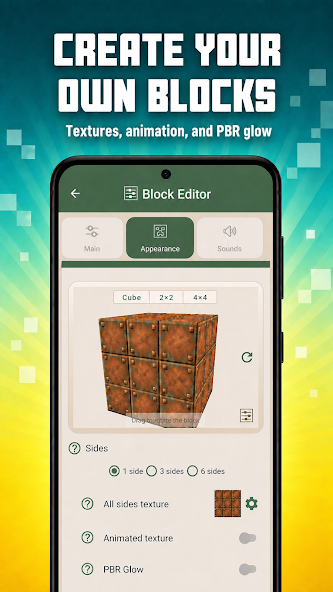
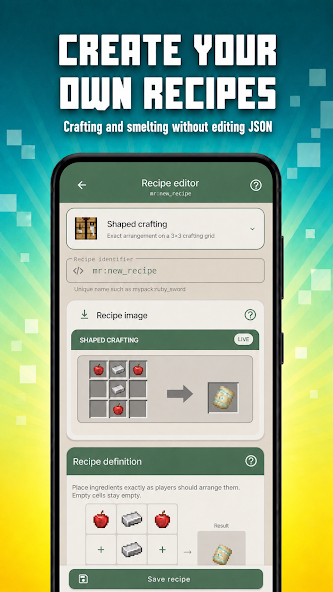
Create entities, items, blocks, recipes, loot, biomes and more without memorizing every JSON field.
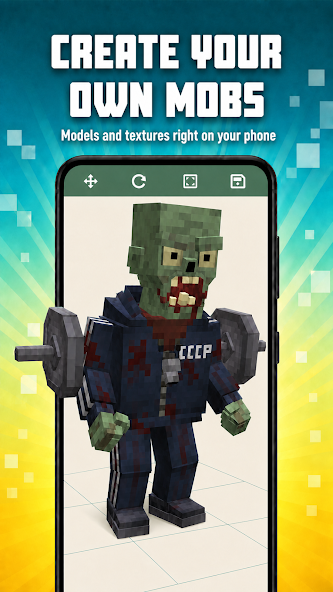
Create mobs, items, blocks and complete add-ons for Minecraft Bedrock—right on your Android phone.
A creator workspace in your pocket
Guided editors when you want speed. Full project control when you need precision.
Create entities, items, blocks, recipes, loot, biomes and more without memorizing every JSON field.
Edit raw JSON, functions and Script API code with autocomplete, diagnostics and quick fixes.
Catch broken references, UUID issues, missing files and dependency errors before you export.
Draw textures, manage sounds, animations, geometry and Blockbench-compatible assets in one project.
Open existing .mcaddon and .mcpack files, then export a ready-to-install add-on.
Use undo points, backups, version migration and conflict-aware project merge as your add-on grows.
Made on Android
Move from a quick custom item to a complete Bedrock project without switching devices.
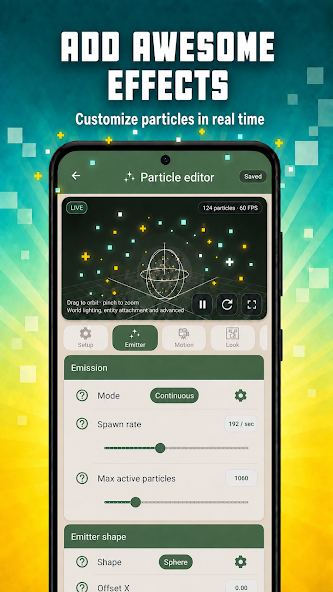
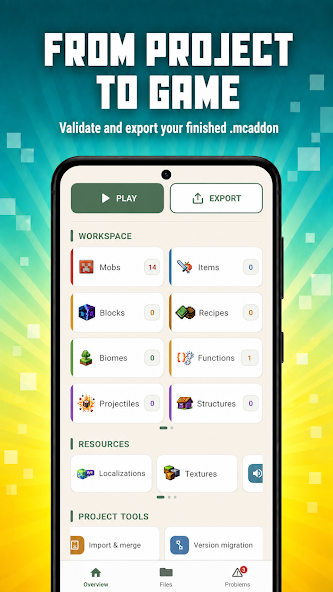
From project to game
Create a clean project or bring in an existing .mcaddon or .mcpack.
Use visual editors or code directly. Addon Studio keeps project files working together.
Review issues, apply quick fixes and open the finished add-on in Minecraft.
No. You can create, validate, export and install add-ons directly from a supported Android device.
Yes. Import .mcaddon and .mcpack files, inspect their structure and continue working inside one connected project.
Yes. Raw JSON, .mcfunction files and JavaScript Script API tools are available alongside the visual editors.
Export it as .mcpack or .mcaddon, save it to Downloads or open it directly in Minecraft.
Entities, items, blocks, recipes, loot tables, structures, particles, biomes, dimensions, functions, UI and more.
No. Addon Studio is an independent third-party creator tool by Stoke Apps.
ADDON STUDIO FOR ANDROID